
- Developer
- TikTok Pte. Ltd.
- Installs
- 1B+
- Downloads
- 8
- Views
- 32
- Updated
- Nov 1, 2026
Screenshots
About TikTok - Videos, Shop & LIVE
# TikTok – Short Videos, LIVE Streaming, Creative Tools & Social Entertainment
## What Is TikTok?
- *TikTok** is a popular social media and short-video platform where users can watch, create, share, and discover entertaining content from creators around the world. Developed by TikTok, the platform offers a personalized viewing experience with videos covering entertainment, education, gaming, fashion, cooking, sports, music, and many other interests.
Its personalized For You feed recommends content based on user interactions and viewing preferences. Whether you want to enjoy funny clips, learn something new, follow popular creators, or share your own videos, TikTok provides a variety of features in one application.
The platform also includes video editing tools, LIVE streaming, creator communities, shopping features in supported regions, and account privacy controls.
## Main Features of TikTok
### 1. Personalized For You Feed
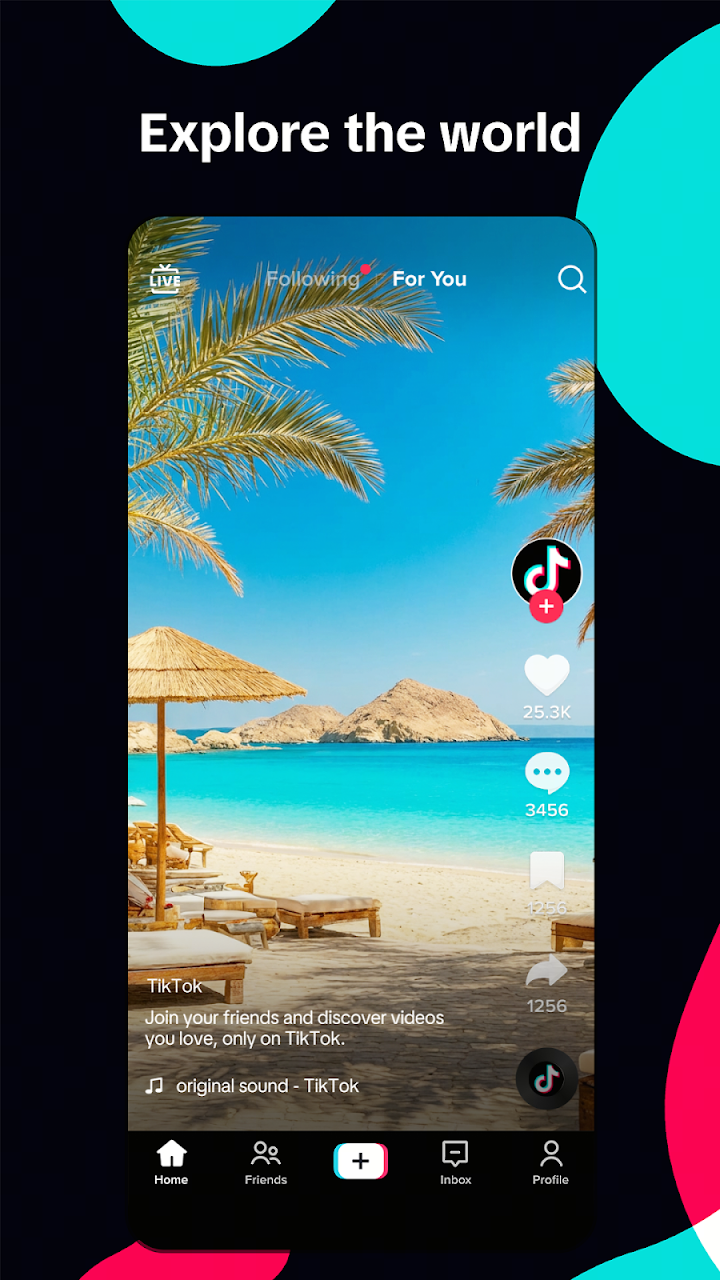
TikTok provides a personalized For You feed that helps users discover videos based on their interests and activity. By watching, liking, sharing, and interacting with content, users can find new creators, trends, and communities that match their preferences.
### 2. Explore Different Categories
The platform offers content across a wide range of categories, including:
- Comedy and entertainment
- Gaming and esports
- Music and trending videos
- Fashion and beauty
- Cooking and food recipes
- Sports and fitness
- Education and DIY tutorials
- Technology and lifestyle
This variety makes TikTok a platform for both entertainment and discovering useful information.
### 3. Easy Video Creation and Editing
TikTok includes built-in tools that make video creation simple. Users can record short clips, pause and resume recordings, trim footage, combine clips, and add text or stickers.
These editing options allow beginners and experienced creators to produce engaging videos without needing separate editing software.
### 4. Music, Sounds, Filters, and Effects
Creators can enhance their videos with available sounds, music, visual effects, and filters. These creative features help users add personality to their content and participate in popular video trends.
Music and sound availability may vary depending on region, account type, and licensing restrictions.
### 5. Follow Creators and Build a Community
Users can follow their favorite creators, interact through comments, share videos, and discover new personalities. TikTok also allows people to publish their own content and connect with audiences who share similar interests.
### 6. TikTok LIVE Streaming
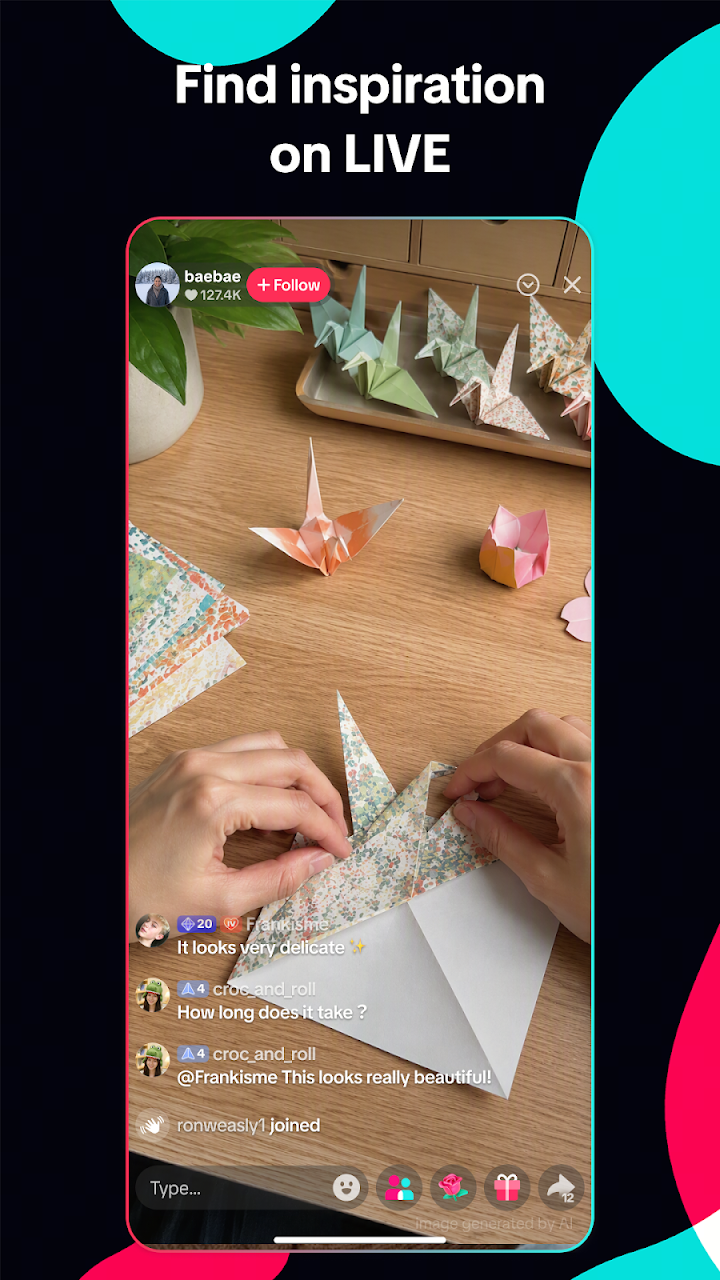
TikTok LIVE allows eligible creators to broadcast in real time and communicate with viewers. Audiences can participate in live discussions and interact with creators through available LIVE features.
Access to LIVE streaming and certain features depends on account eligibility and regional requirements.
### 7. TikTok Shop and Product Discovery
In supported regions, TikTok Shop allows users to explore products, discover deals, and shop through videos, LIVE streams, and the Shop section. Availability and shopping features differ by country.
### 8. Privacy and Safety Controls
TikTok provides account privacy settings, content controls, screen time management, and Family Pairing tools. These options help users manage their experience and choose how they interact with the platform.
Parents and guardians can also use available family safety features to help manage younger users' experiences.
## How to Use TikTok
1. Download and install TikTok from an official app store.
2. Open the application and create an account or log in.
3. Explore the For You feed to discover recommended videos.
4. Like, comment on, or share videos you enjoy.
5. Follow creators whose content interests you.
6. Tap the create option to record or upload your own videos.
7. Use editing tools, sounds, text, and effects to customize your content.
8. Adjust privacy and screen time settings according to your preferences.
## Tips for Getting the Best TikTok Experience
- **Explore different topics:** Watch content from different categories to discover new interests.
- **Personalize your feed:** Interact with videos you genuinely enjoy.
- **Create original content:** Use your own ideas and creativity when publishing videos.
- **Use editing features:** Add captions, effects, and suitable sounds to improve your videos.
- **Protect your privacy:** Review account visibility, messaging, and interaction settings.
- **Manage screen time:** Use available screen time controls to maintain a healthy viewing routine.
- **Check shopping details:** Review product information, seller details, and applicable policies before making purchases.
## Frequently Asked Questions
### What is TikTok used for?
TikTok is used to watch, create, and share short videos. It also supports creator communities, LIVE streaming, content discovery, and shopping in supported regions.
### Is TikTok free to use?
TikTok can be downloaded and used for free. However, certain optional features, transactions, or purchases may involve charges.
### Can I create and edit videos on TikTok?
Yes. TikTok includes built-in recording and editing tools that allow users to trim clips, add text, apply effects, and use available sounds.
### Does TikTok support LIVE streaming?
Yes. Eligible users can host LIVE streams and interact with viewers in real time. Availability depends on TikTok's account and regional requirements.
### Is TikTok available for shopping?
TikTok Shop is available in selected markets. Users in supported regions can discover and purchase products through eligible videos, LIVE streams, and shopping sections.
### Does TikTok have privacy settings?
Yes. TikTok offers privacy, safety, content management, and screen time controls to help users manage their accounts and platform experience.
## Final Verdict
TikTok brings short-form entertainment, creative video tools, personalized content discovery, and social interaction together in one platform. Its wide range of content categories makes it suitable for users who enjoy watching videos, following creators, learning new skills, or sharing their own ideas.
With video editing tools, LIVE streaming, and additional privacy controls, TikTok offers a flexible social entertainment experience for a global audience.