
- Developer
- Fast VPN Pro
- Installs
- 10M+
- Downloads
- 0
- Views
- 2
- Updated
- Nov 1, 2026
Screenshots
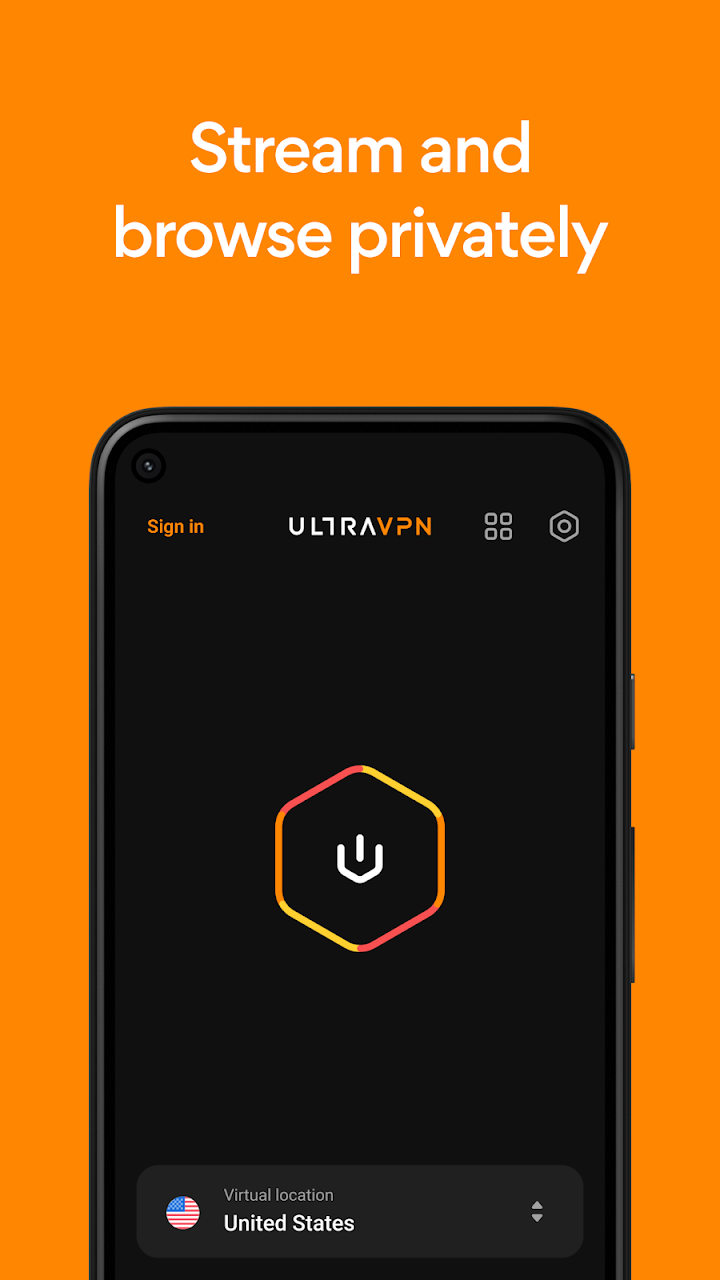
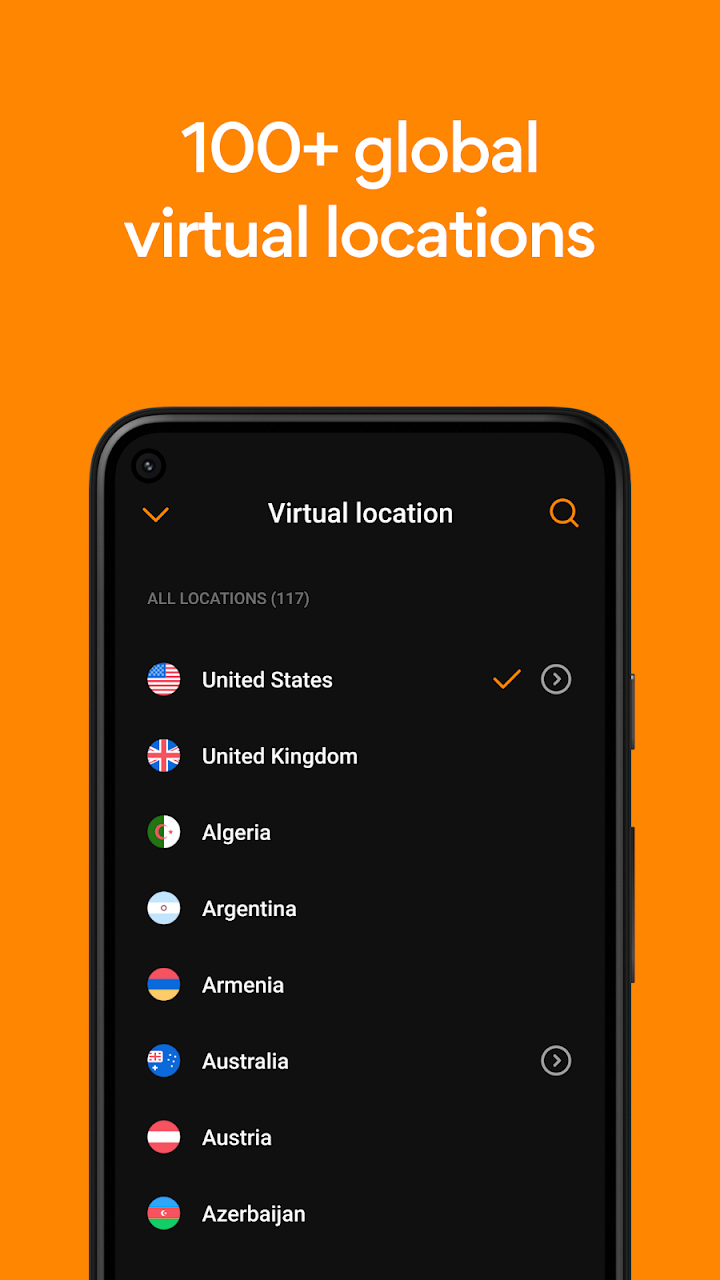
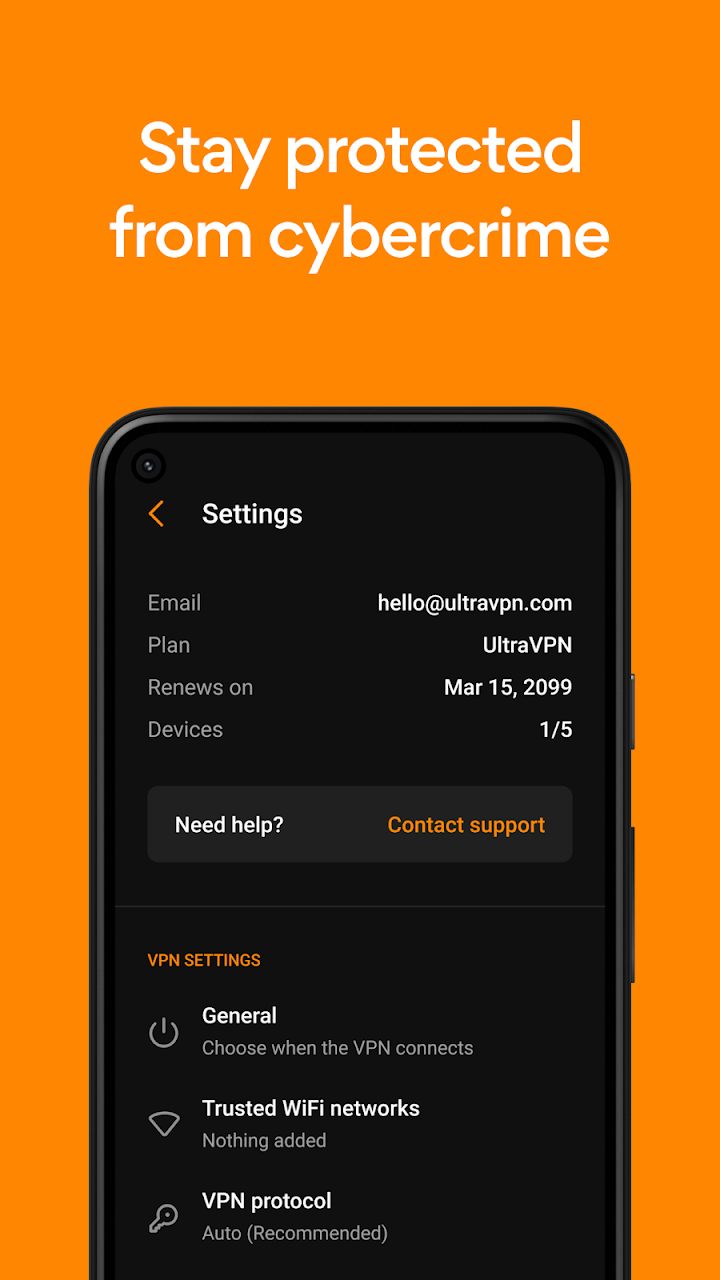
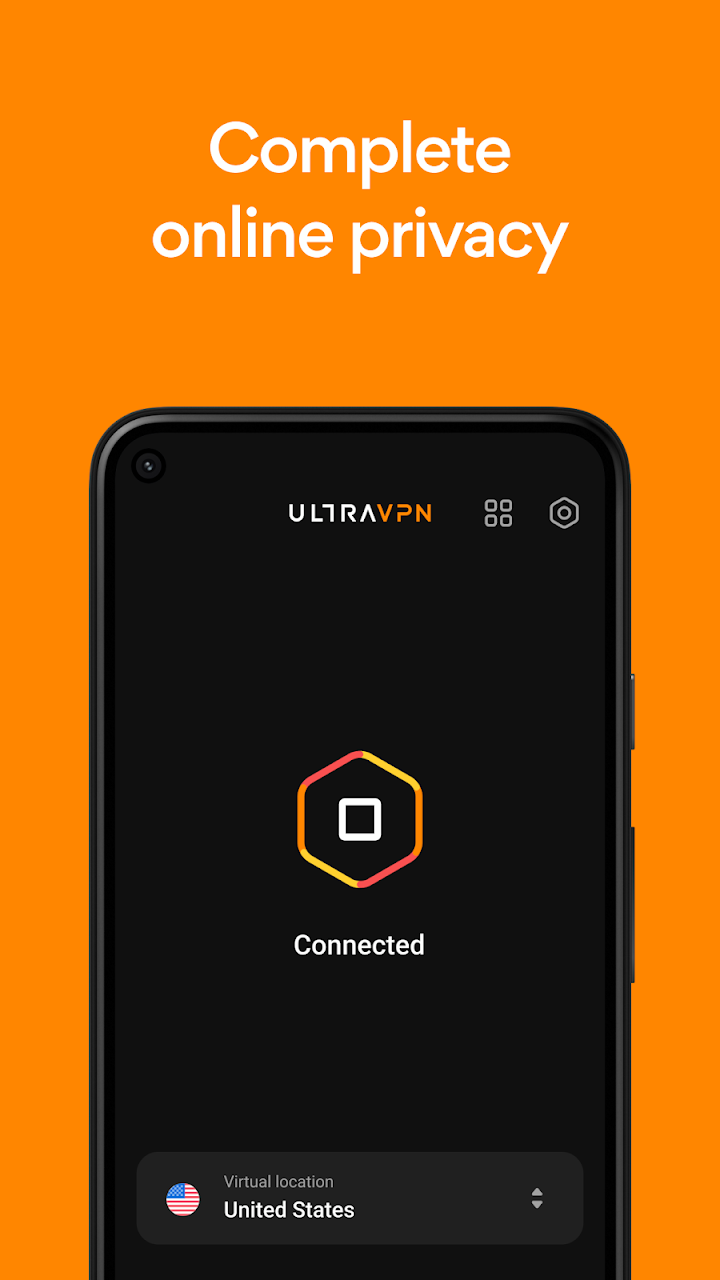
About Ultra VPN — Super Secure Proxy
# UltraVPN – Secure VPN Proxy, Online Privacy & Security Features
Protect your internet connection with UltraVPN, a virtual private network application designed to provide a more private and secure browsing experience on Android devices. With its simple connection controls and global VPN server options, UltraVPN helps users manage their online privacy while browsing websites, shopping online, streaming videos, or playing online games.
The application focuses on internet security, encrypted connections, and additional browsing protection features. Whether you are connecting through a home network or using public Wi-Fi, UltraVPN provides tools designed to add another layer of protection to your internet activities.
## What Is UltraVPN?
UltraVPN is a VPN proxy application that creates an encrypted connection between your Android device and a remote VPN server.
When connected, your internet traffic travels through the selected VPN server, helping mask your original public IP address from the websites and services you visit.
The application also advertises additional security features, including malicious website blocking, web tracker blocking, and an always-on VPN option.
## Main Features of UltraVPN
### 1. Secure VPN Connection
UltraVPN helps protect your internet traffic by routing it through an encrypted VPN connection. This can provide an additional layer of privacy when accessing online services.
### 2. One-Tap Connection
The application offers a straightforward connection process. Users can connect to an available VPN server without complicated manual configuration.
### 3. Global VPN Server Locations
UltraVPN provides server location options that allow users to connect through different supported countries and regions. Server availability may depend on the current subscription and application version.
### 4. Always-On VPN Option
The always-on setting is designed to keep the VPN connection active while using your device. This can help maintain VPN protection during regular browsing sessions.
### 5. Malicious Website Blocking
UltraVPN advertises a malicious website blocking feature designed to identify potentially harmful URLs and prevent users from accessing certain dangerous websites.
### 6. Web Tracker Blocking
The tracker-blocking feature aims to limit certain website tracking activities, helping users manage their browsing privacy.
### 7. Public Wi-Fi Protection
Public Wi-Fi networks are often shared by many users. UltraVPN provides an encrypted connection that can add protection when browsing through networks in cafés, hotels, airports, and other public places.
### 8. IP Address Masking
When connected to a VPN server, websites generally see the VPN server's public IP address rather than your original public IP address.
### 9. Online Gaming and Streaming
A VPN can route your internet traffic through different server locations while you play online games or stream videos. However, connection speed and performance depend on server distance, network quality, and service conditions.
### 10. Privacy-Focused Browsing
UltraVPN is designed to provide additional privacy while using online services. Users should review the provider's current privacy policy to understand its data collection and logging practices.
## How to Use UltraVPN on Android
Getting started with UltraVPN is relatively simple. Follow these steps:
1. **Download the Application:** Install UltraVPN from an official or trusted source.
2. **Open UltraVPN:** Launch the application on your Android device.
3. **Create an Account:** Follow the registration or sign-in instructions if required.
4. **Select a Server:** Choose an available VPN server location.
5. **Connect to VPN:** Tap the connection button to establish your VPN connection.
6. **Enable Always-On:** If supported, activate the always-on option through the application or Android VPN settings.
7. **Browse Securely:** Once connected, use your preferred websites and online applications.
## Why Use UltraVPN?
A VPN application can be useful in different everyday situations, particularly when users want additional control over their internet connections.
Some potential benefits include
- **Public Wi-Fi Security:** Adds encryption when using shared internet networks.
- **IP Address Privacy:** Helps hide your original public IP address from websites.
- **Location Options:** Provides access through supported VPN server locations.
- **Browsing Protection:** Offers advertised malicious URL and tracker-blocking features.
- **Always-On Connection:** Helps maintain a VPN connection during regular device usage.
- **Simple Controls:** Makes connecting and disconnecting easier for beginners.
Keep in mind that VPN protection does not guarantee complete anonymity or prevent every type of cyberattack.
## Tips for Using UltraVPN Safely
Before using any VPN application, consider these important security practices:
- Download the application from an official or trusted source.
- Review the permissions requested by the application.
- Read the privacy policy before creating an account.
- Check whether the service collects connection or browsing information.
- Keep the application updated to receive available security improvements.
- Avoid opening suspicious links, even when connected to a VPN.
- Use strong passwords and enable two-factor authentication where available.
## Frequently Asked Questions (FAQs)
### What is UltraVPN used for?
UltraVPN is a VPN proxy application designed to encrypt internet traffic, mask public IP addresses, and provide additional privacy while browsing online.
### Is UltraVPN available for Android?
The provided application description focuses on Android devices. Check the official listing for supported Android versions and device requirements.
### Does UltraVPN hide my IP address?
When successfully connected, UltraVPN routes your internet traffic through a VPN server, allowing websites to see the server's IP address instead of your original public IP.
### What is the Always-On VPN feature?
Always-On VPN is a setting designed to keep a VPN connection active automatically, depending on the device and Android configuration.
### Does UltraVPN protect public Wi-Fi connections?
A VPN can encrypt traffic between your device and the VPN server, adding another layer of protection when using public Wi-Fi.
### What is malicious website blocking?
This feature is designed to identify potentially harmful websites and restrict access to certain malicious URLs.
### Can I use UltraVPN while gaming or streaming?
Yes, a VPN can be used while playing online games or streaming videos. However, speed and latency may vary depending on the server and internet connection.
### Does UltraVPN make me completely anonymous?
No. A VPN can improve connection privacy, but cookies, account logins, browser fingerprinting, and other tracking methods may still identify users.
## Final Verdict
UltraVPN combines VPN connection features with additional browsing protection options for Android users. Its one-tap connection, global server choices, always-on setting, and advertised website and tracker blocking tools make it an application worth exploring for people interested in online privacy.
Before relying on any VPN service, review its current security features, privacy policy, subscription details, and supported devices.
- *Explore more Android applications, VPN guides, and useful technology articles on GameNex.site.**